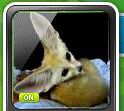


When you upload an image as an avatar for Monster Life, it automatically scales it regardless if it was 100x100 or not.
From what I take on how the process works on uploading, it scales it down to 25% of the original image you uploaded, creates a temp.jpg file in your MapleStory folder, and uses that for the avatar.
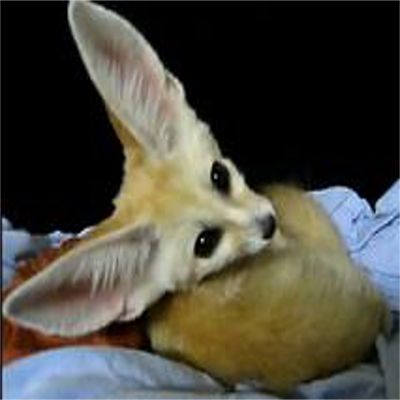
So the best way to make it fit is to probably edit or upload an image that's 399x399 or 400x400 (if that makes a difference). I'm not sure how to position it to exactly fit it in the window though.
From what I take on how the process works on uploading, it scales it down to 25% of the original image you uploaded, creates a temp.jpg file in your MapleStory folder, and uses that for the avatar.
So the best way to make it fit is to probably edit or upload an image that's 399x399 or 400x400 (if that makes a difference). I'm not sure how to position it to exactly fit it in the window though.
Spoiler
Spoiler